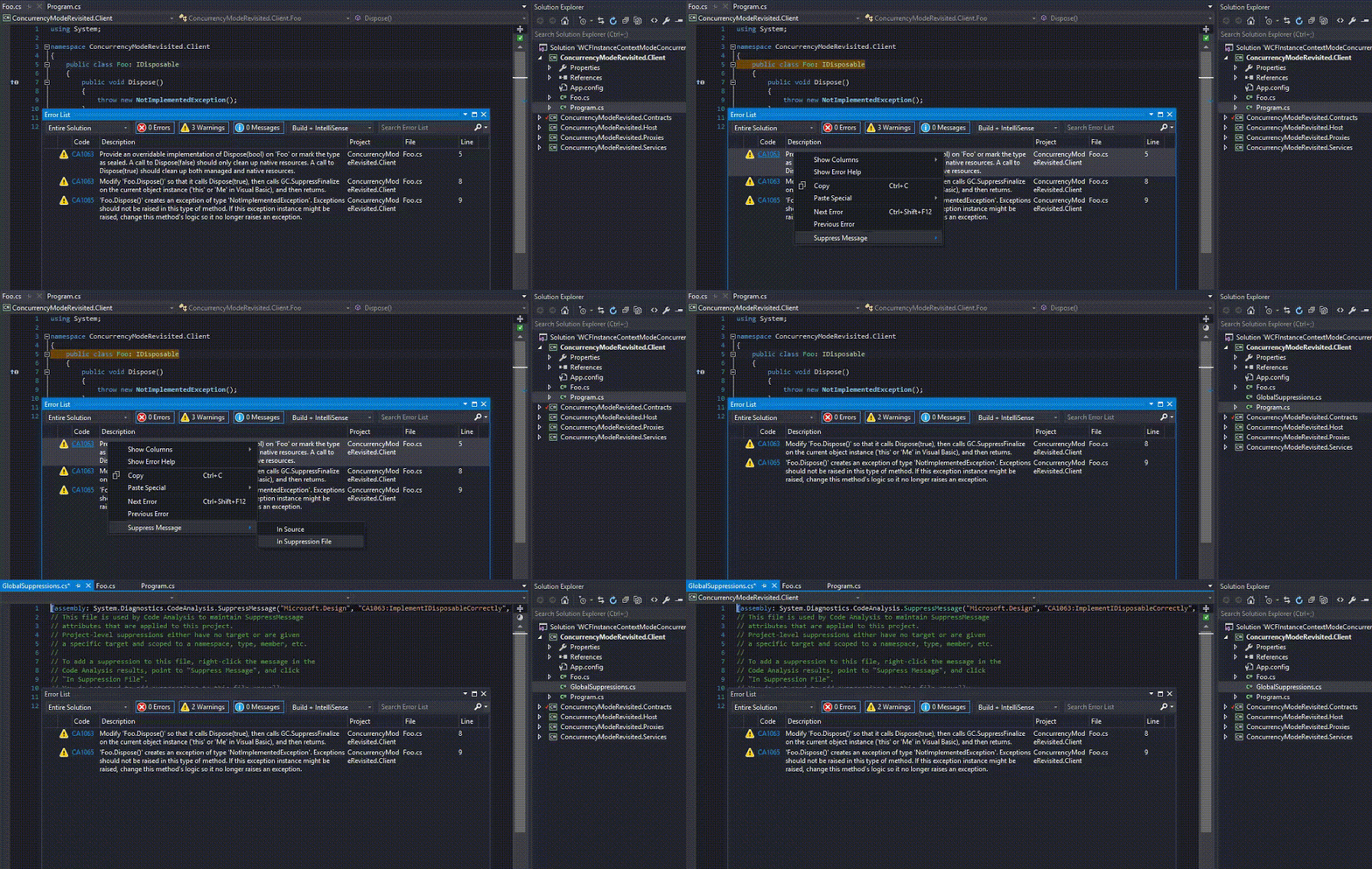
Everyone who has ever been using a code analysis knows that sometimes it is hard to follow the Microsoft coding guidelines and it is necessary to suppress some warnings.
For me it always was a painful operation because I didn’t know any automated way of doing that.
So basically I had to find the warning in the MSDN, copy category, code and other necessary stuff and then manually add appropriate attribute in code.
Fortunately a friend of mine yesterday showed me a simple trick to generate this attribute with couple of mouse clicks.
All you have to do is to right-click on warning message and choose Suppress Message context menu …
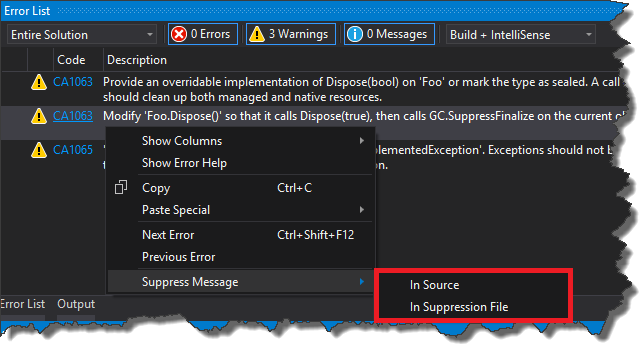
There are two options in there. The first option - In Source, will add attribute directly in the code
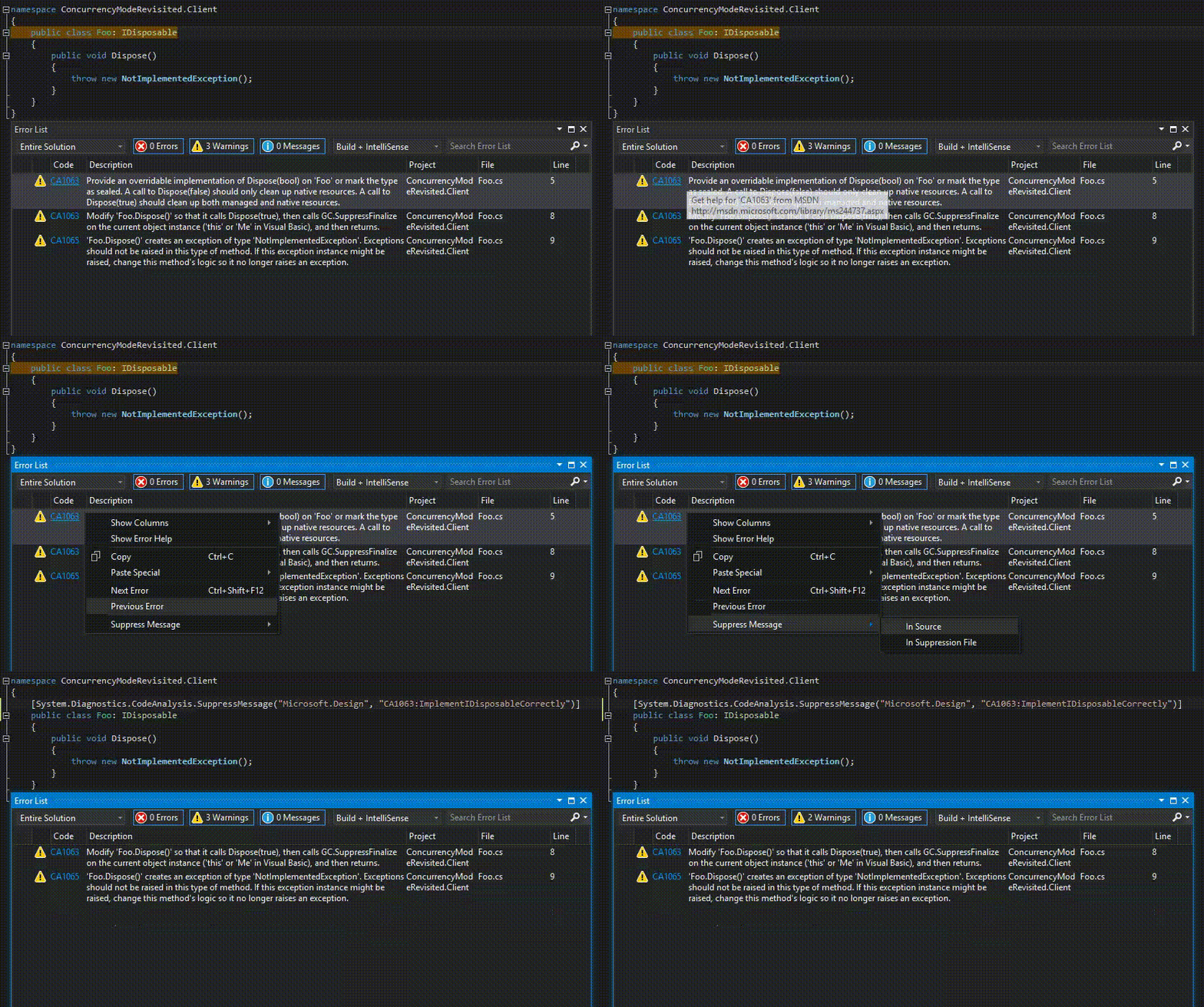
and the second one - In Suppression File, will create GlobalSuppressoins.cs file with assembly attribute which suppresses given warning in entire assembly